
How to Get More Google Reviews
A step by step guide on how to get more Google reviews from current customers and make sure you only generate good reviews ethically.

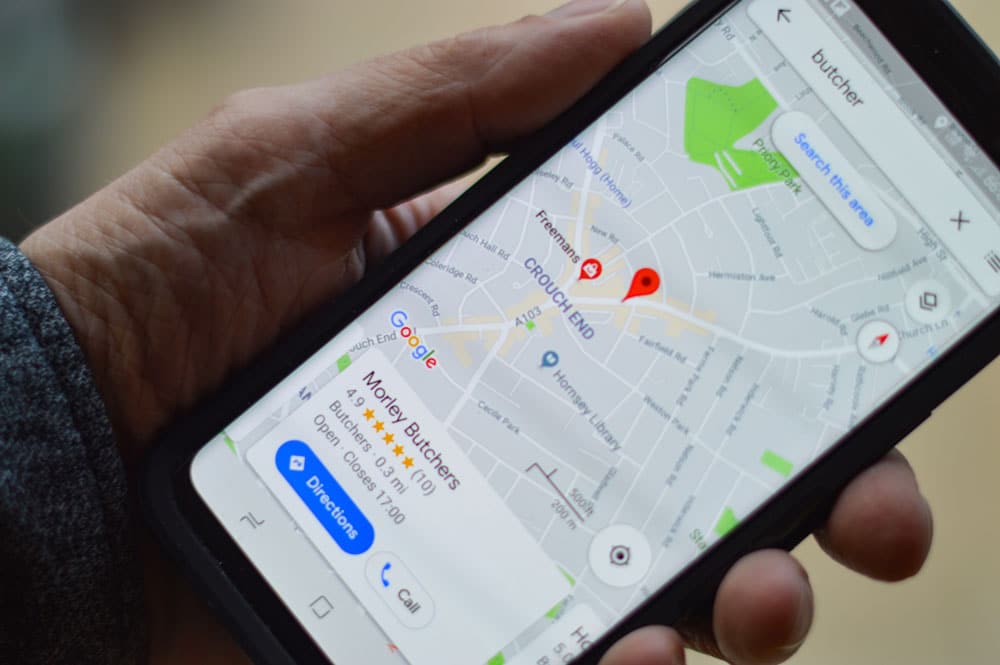
Google Reviews are incredibly important to your business. They can make or break a sale and have a huge impact on search engine optimization.
This post is a guide we follow to help our clients get more Google reviews from their current or past customers.
Before Getting Started
It’s important to know that Google has terms of service policies when it comes to managing reviews. Some strategies can get you in trouble, which can be far worse than maintaining your current review volume and the average rating. While we believe our practice is ethical, others may disagree. We state this as a disclaimer. Proceed with caution and always use your best judgement for what’s best for your customer and your business’ reputation.
Step 1 – Create an email to current customers
Using whatever email marketing software your business uses, create an email to current customers. The subject of your email should be asking for a review in exchange for something of value. This could be something like a coupon or a chance to win something free.
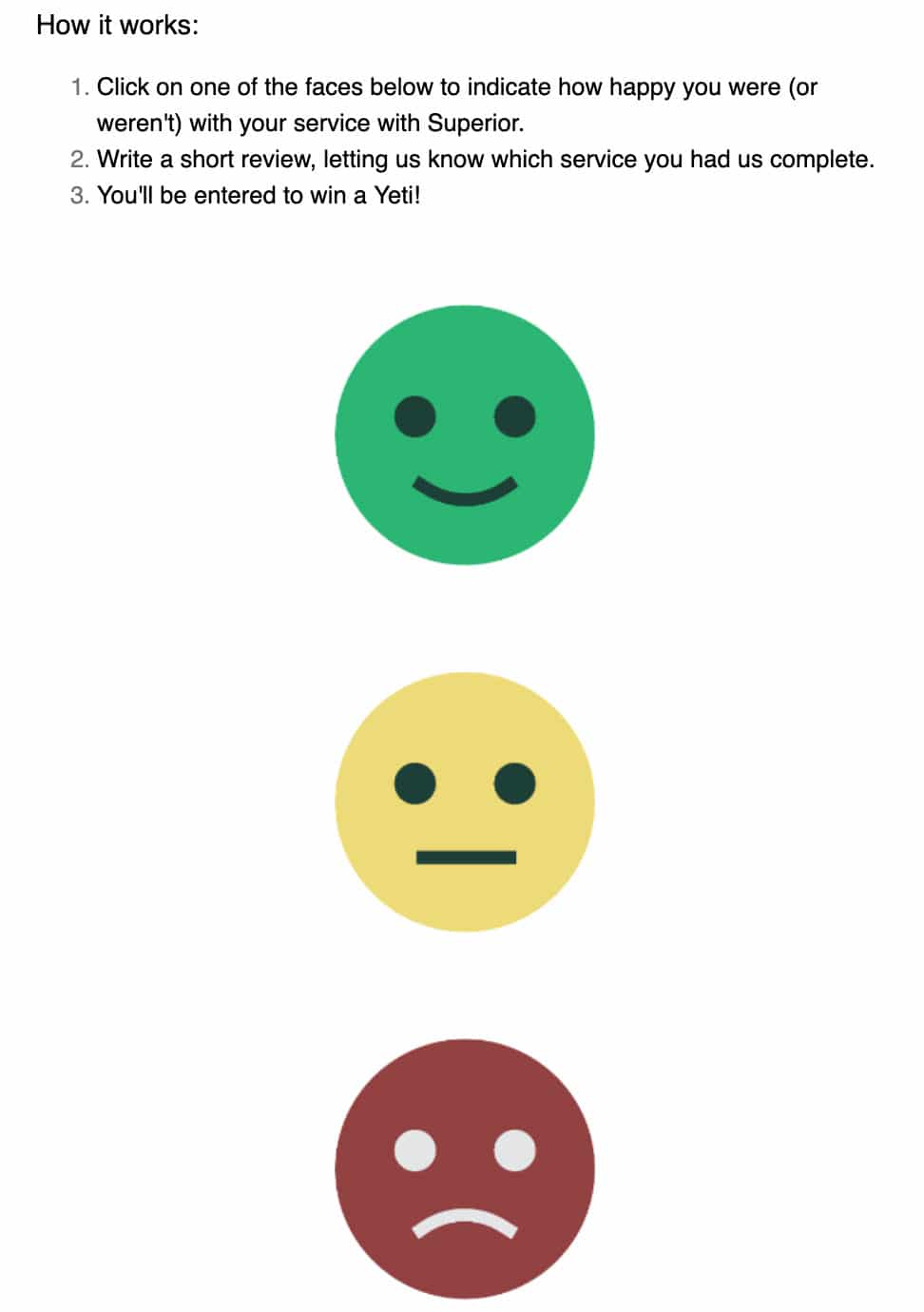
In your email, add in three images of different smiley faces: happy, neutral, and sad. You could also do the same with thumbs: up, neutral, and down.
After you’ve made the incentive to review very clear, give some instructions on how to make a review (see photo). Here is an example of instructions:
- Click on one of the faces below to indicate how happy you were (or weren’t) with your service at COMPANY NAME.
- Write a short review, letting us know which service you had us complete.
- You’ll be entered to win a PRIZE.
Step 2 – Link Your Images
Once you’ve added your instructions and images to your email, add a link to each image.
For the green smiley face (in our example), link to a bridge page on your website that asks your customer to select where they would like to review. If you only want reviews in certain places, just put one option.

You can get a direct link to your Google review by searching for your business in Google then select “Write a Review” on the right side in the Google My Business listing:

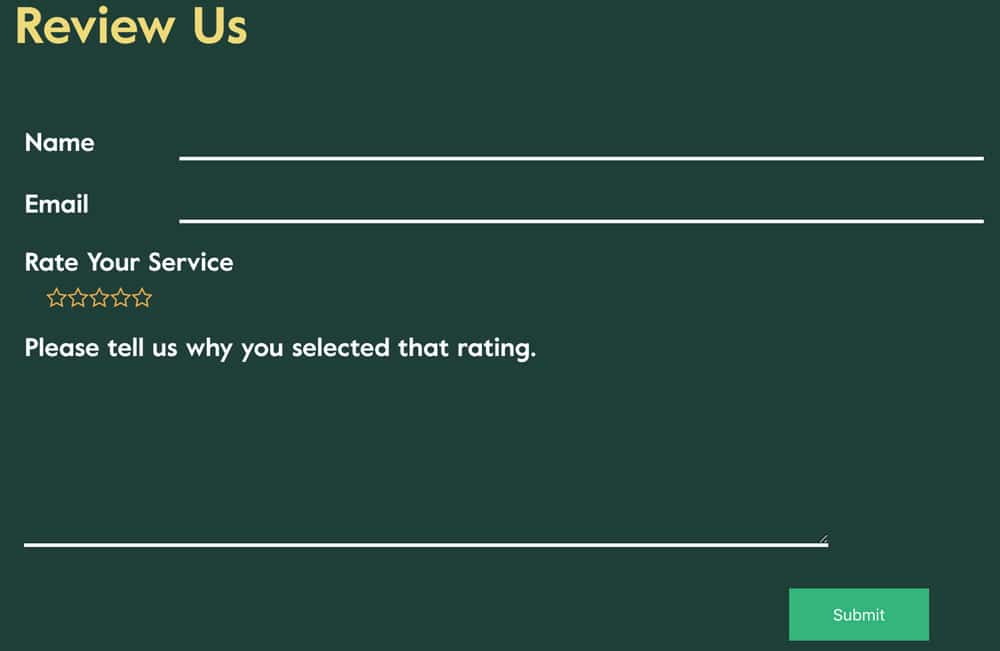
For the neutral and sad faces, link to a different page that does not request a review on public platforms. Create a page and a form on your website to collect these reviews. They won’t be ideal for Google, but you’ll at least collect the feedback to understand how you can improve your business and customer experience.
Step 3 – Send Slowly
It’s important not to send out your request for reviews all at once to hundreds of people. If your business has no reviews in Google today and tomorrow you have fifty, Google will likely penalize you and remove the reviews. Instead, send to small groups of people, 10-20 at a time every few days.
Want More Bite-Sized Advice?
Get a free weekly email with priceless SEO advice delivered straight to your inbox every week—sign up today.
Ready to Get More Leads?
Schedule Intro Call